
Four packages are available to get you up and running. They can be delivered online or in person.
Services
Introduction to Vectorworks
All things start with 2D drawing in Vectorworks. This is the beginners workshop to get you up and running.
Click here for more information.
Planting Design in Vectorworks
Vectorworks is famed for its ease at creating planting plans and spreadsheets, this workshop is all about the plants!
Click here for more information.
Intermediate Vectorworks
Once you have mastered the basics and created some 2D plans, this is where the fun starts. 3D modelling and artistic presentations are just part of it; turn your models into data rich information for hard landscaping, create section/elevation details and spreadsheets for all your quantities.
Click here for more information.
Advanced Vectorworks
Putting it all together. This workshop covers a whole project from start to finish. Advanced hints and tips, curvilinear modelling and final rendering hints and tips.
Click here for more information.
One to one tuition is also available to suit your own needs, often focusing on one of your own projects.
Call or email now for an appointment.
One to One Case Studies
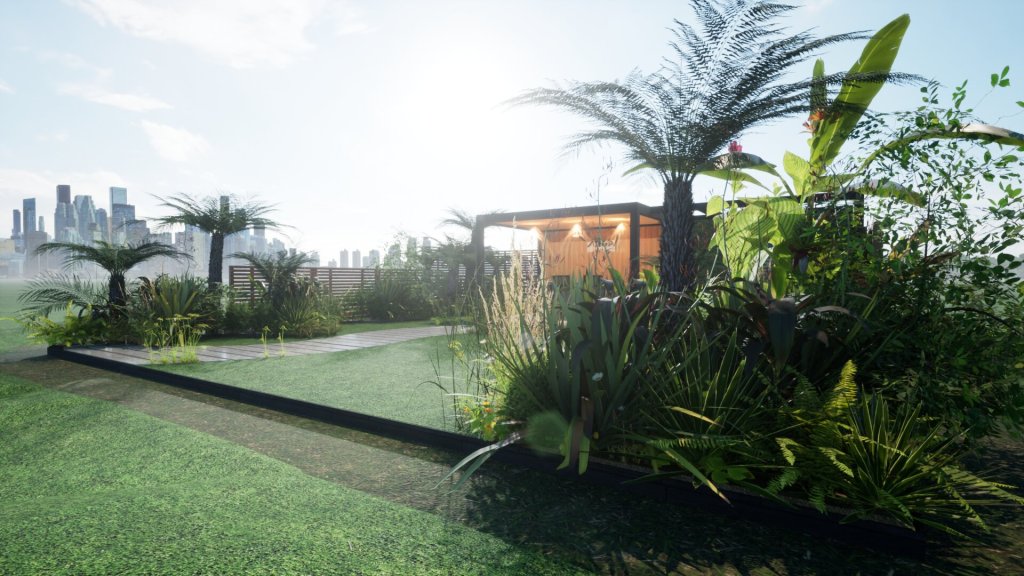
Case Study A
A student from Australia wanted bespoke help and support in all things Vectorworks for Landscape Design. Richard worked with him on Zoom for several sessions to deliver the equivalent of the four Vectorworks workshops.
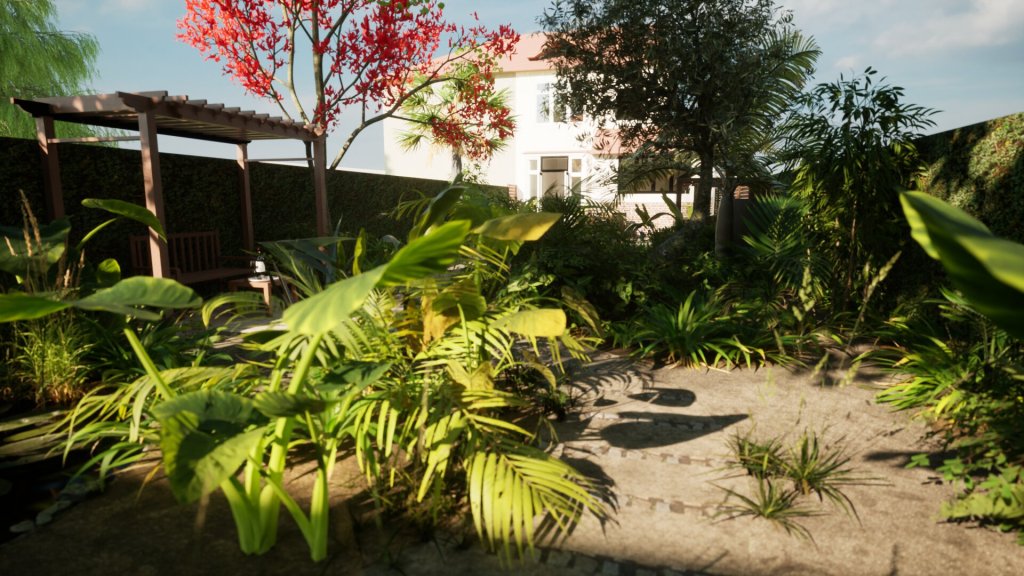
Case Study B
An experienced designer wanted help with the 3D images for a design proposal. Richard was able to guide them, and ultimately to produce the model and images for the new garden.
COMPUTER REQUIREMENTS
- A Windows PC or Mac that meets the basic requirements for Vectorworks. Click here for more information.
- Vectorworks Landmark. 2022 or later. The education license is free for students. A one week trial license is also free. Please download and install and initialise before your course commences.
- It helps if you have some sound IT knowledge and skills, although we can develop these if need be.
- A computer with sound internet access, a microphone and a webcam.
- A mouse with a central scroll wheel, left click and right click. Neither the Mac Magic Mouse nor laptop trackpads are suitable for Vectorworks.
- A good command of spoken English.
 Vectorworks for Garden Design